Start with the device fit
The official project says SmartTube is built for Android TVs and TV boxes. It also says it is not supported on phones and tablets, and it does not run on platforms like Roku, Apple TV, LG, or Samsung TVs. The repo lists Android TVs, TV boxes, Chromecast with Google TV, NVIDIA Shield, and FireTV devices among the supported Android-based targets.
That is why my first install question is always simple: is this actually the kind of device the project is meant for?
The easiest install routes I found
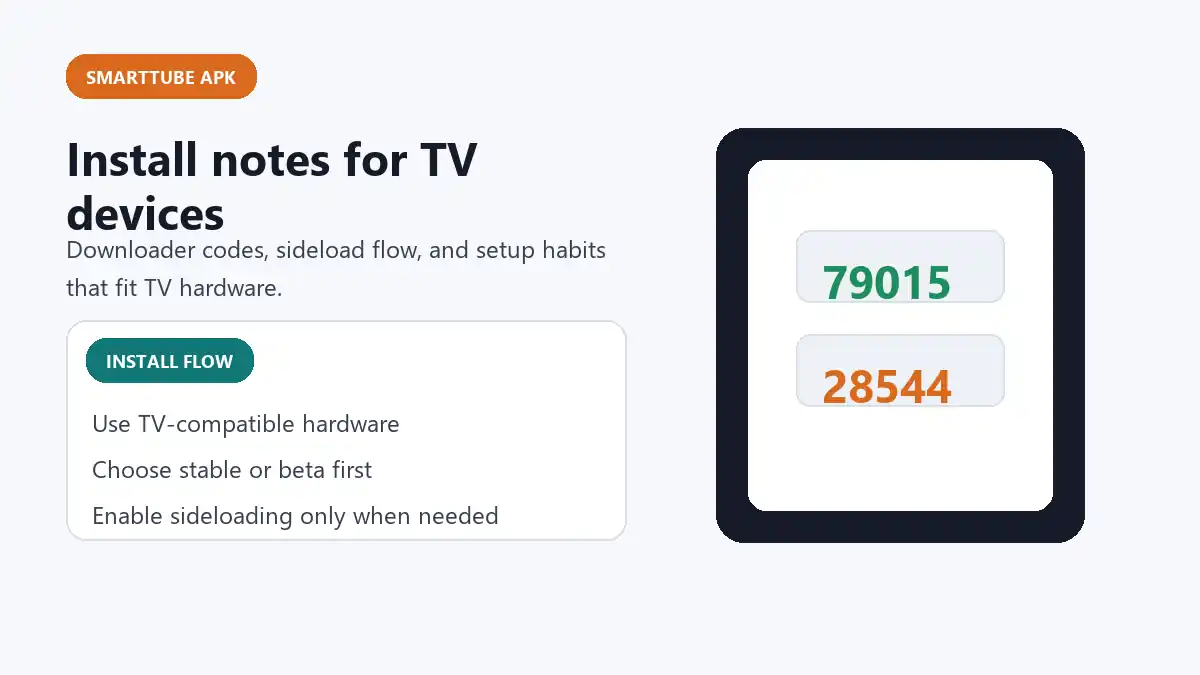
The official repo documents a few routes clearly. The simplest one for many Android TV users is using the Downloader app from AFTVnews and entering one of the official codes. At the time I checked, the repo listed:
- 79015 for the beta build
- 28544 for the stable build
It also lists direct short links for the same files, which shows that the project itself expects users to install it outside traditional app stores. That is more useful than treating every third-party APK page as if it were the only route.
Other install routes the official project mentions
The official documentation also points to options like downloading the APK directly with a browser on the TV, copying it from a USB drive, or transferring it over the network. For Chromecast with Google TV style devices, the project specifically mentions enabling app installation from the relevant tool and launching the file from a file manager.
That tells me something important about this keyword: it is more of a device workflow topic than a simple "download latest apk" topic.
What I would check before sideloading
- make sure the device is actually an Android TV or TV box style target
- check whether you want stable or beta before downloading
- compare the file route against the official GitHub release page
- make sure unknown-source app installation is enabled only where needed
- do not confuse a TV install flow with a normal phone APK habit
What happens after the first install
The project also documents that updates can happen inside the app, which makes the first installation more important than repeated manual hunting later. That is another reason I prefer checking the official project first: once the initial install path is sound, the maintenance burden is usually lower.
The mistake I would avoid
The biggest mistake with SmartTube APK is treating it like a generic mobile APK keyword. It is not. The right way to think about it is: TV device first, source check second, version choice third. When those are in the right order, the setup process becomes much clearer.