Quick take
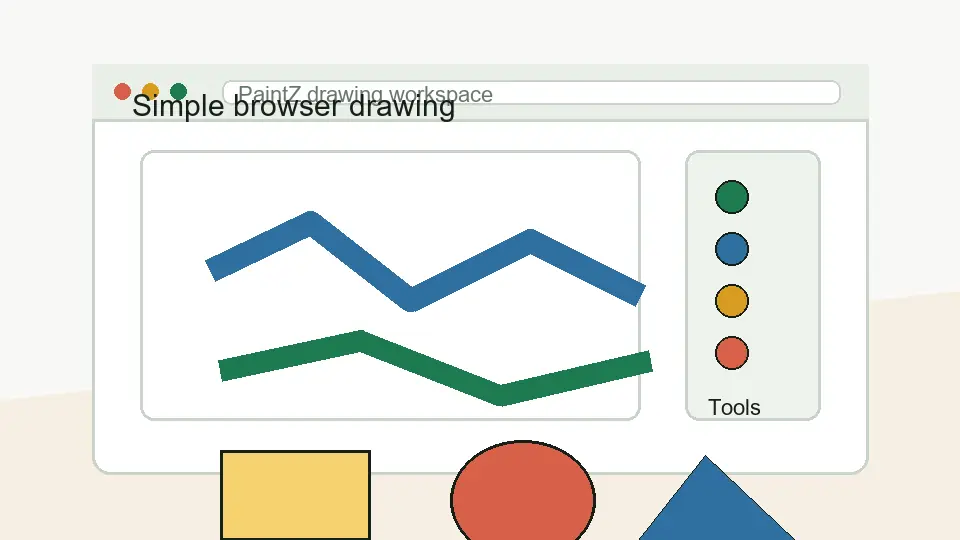
PaintZ is useful because it keeps the drawing workflow simple. The main appeal is not that it tries to beat professional editors. The appeal is that it gives browser and Chromebook users a familiar paint-style space for basic drawing and image edits.
What it is
PaintZ is closer to MS Paint than Photoshop
The best way to understand PaintZ is to think of a lightweight painting app that runs in a browser/Chrome OS context. It is the kind of tool that fits simple brush work, basic shapes, color fills, quick notes, and small visual edits.
That matters because many people search for it with the word “app” and expect something installable like a phone app. The stronger intent is different. The results point more toward a browser drawing app and Chrome Web Store workflow than an Android APK or iPhone app.
Personal use case
Where I would use it
I would use PaintZ when I need to mark up something fast, make a simple sketch, draw with a mouse or touch input, or create a rough visual without setting up a larger design tool. It feels more appropriate for light work than for serious illustration, layered editing, or brand design.
That is not a weakness if you understand the intent. A simple drawing app should feel fast and direct. If the task is “draw this quickly” or “edit this basic image,” a focused tool can be better than a complicated editor with too many panels.
Good fit
Tasks that match PaintZ
- basic sketching and doodling
- simple drawing on Chromebook
- quick image markups
- paint-bucket and brush-style work
- light classroom or note-style visuals
Wrong expectation
Tasks that need a heavier editor
- advanced layer-based compositing
- professional retouching
- complex typography layouts
- high-end illustration workflows
- team design systems or vector branding
Offline angle
Why offline-friendly behavior matters
The PaintZ results repeatedly point toward a Chrome OS and browser environment, where offline availability matters more than people expect. On a Chromebook, a paint app that can still be useful without a constant network connection is a practical advantage for school, travel, and quick edits.
I would still treat important work carefully: save your files intentionally and test your workflow before relying on any browser app for a deadline. The practical point is simple: PaintZ is meant for quick local-feeling work, not cloud-heavy editing.
My final view
PaintZ is worth considering if your goal is a simple paint app for Chromebook or browser use. It should not be judged like a premium creative suite. It should be judged by whether it lets you draw, mark up, and edit simple visuals without friction.